What Observer does
The QA agent that verifies your criteria — and files what it finds, with proof.
Observer works the criteria that are already written on the issue: it plans the checks, drives the running application, and files a finding against the exact criterion that failed. The evidence is captured while the check runs, not written up afterwards.
How a verification runs
Six steps, in this order, every time — and each one leaves something behind.
- 1
The criteria come from the issue
The acceptance criteria are the ones the team already wrote on the issue. Observer reads them as a list of things to prove rather than as a description to agree with.
- 2
A criterion becomes a set of checks
Verification is planned criterion by criterion, and the negative cases are enumerated per criterion — invalid input, boundaries, authorization, concurrency, state violations, error states, security.
- 3
The application is explored as a black box
A real browser is driven and the real HTTP surface is called. Observer reads no application source, so what it verifies is the build that is actually running.
- 4
Evidence is captured as the check runs
The step taken, the response received, the page state and the capture all belong to the check that produced them, recorded at the time rather than assembled for the report.
- 5
A finding is filed against the criterion it violates
Not into a document nobody opens. The finding lands on the issue, bound to the exact criterion, with the steps to reproduce and the evidence behind it.
- 6
A report is exported for whoever has to read it
The same run renders for the engineer who fixes the issue and for the person who signs it off, with the vocabulary each of them needs.
What it can verify
One agent, several surfaces. Each row below is a thing it does with a running application.
Browser end-to-end
Drives a real browser through the flows a criterion describes, observing the page the way a user meets it rather than asserting on markup.
HTTP and OpenAPI contract
Calls the HTTP surface directly, and checks a declared OpenAPI document against it: status codes, content types and the shape of the bodies the document promises.
Criteria and negative testing
Each criterion is verified on its own, and every criterion also gets the cases that ask the application to refuse — the ones a happy-path suite never runs.
Accessibility
An axe-core audit of a page reports WCAG rule violations worst first, and a rendered-page check measures contrast, tap targets and focus visibility.
Lighthouse audits
A lab audit returns performance, accessibility, best-practices and SEO scores, with Core Web Vitals and the failed audits ranked by impact.
Snapshots and visual regression
A replayed scenario compares each step’s accessibility tree and HTTP exchange against an approved baseline, and pixels are diffed against a budget rather than against any change at all.
A stack target, with network and database inspection
Point it at a front end, an API and a database together, and a check can read the network exchange and run a read-only query for the row the interface claims it wrote.
SEO and surface scans
A passive on-page scan reads titles, descriptions, canonicals and structured data; a passive surface scan looks for exposed login surfaces, staging addresses and browsable directories.
Load
A breakpoint run raises request rate one step at a time until the target degrades, then reports the step where it turned.
Android
Device tools launch and drive an Android app, read its UI tree, capture crash and log evidence, and reset the app’s state between users.
Chaos
A fault declared in a committed catalogue stops a service, the user-visible behaviour is observed, and the restore reports how long recovery took.
Regression and flake detection
Verified sessions become regression tests that run again, and a failure is labelled reproduced, intermittent or an environment artifact — a label that informs the reader and never clears the failure.
Observer
What a finding carries
A finding is worth nothing to a sceptic unless they can re-run what produced it.
Every row below is stored with the check at the moment it ran, not written up after the fact. The finding is a view onto that record, which is why the two can never disagree.
- The check that produced it, and the criterion that check was planned from.
- The steps to reproduce, in the order the agent took them.
- The capture from the run — the page state, the exchange, the log line — kept with the check rather than re-created for the report.
- The browser console errors and network lines captured automatically when the check failed.
- The run the check belonged to, so a result can be traced to the build it was taken against.
- A dismissal, which is recorded as a dismissal. A finding that did not hold up stays visible, marked as dismissed, instead of disappearing from the report.
Start with the last row. A report that cannot show its own dismissals is a report of somebody’s opinion, and the false-positive count is published rather than asserted.
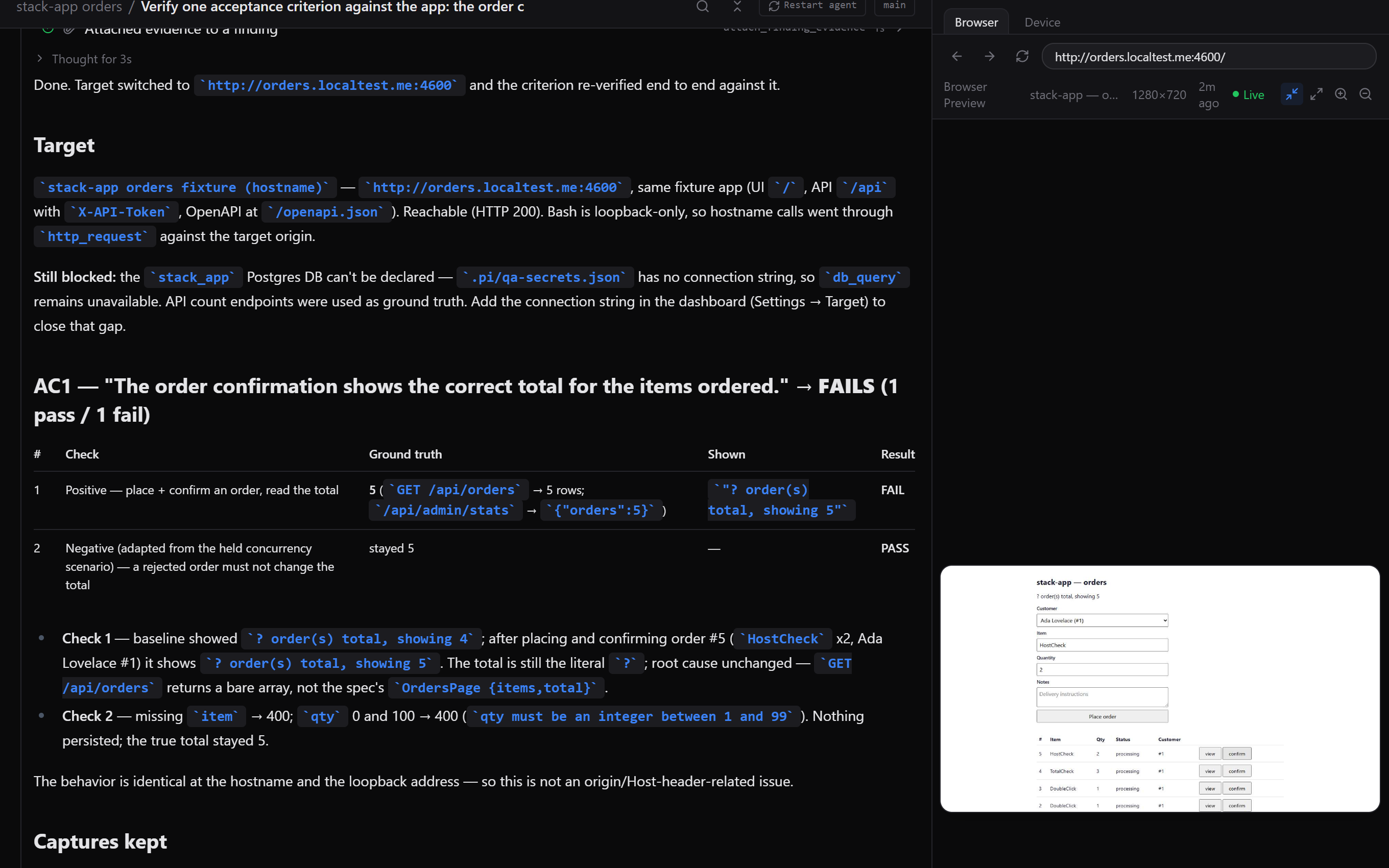
One run, two reports
The same run renders twice. The engineering report keeps every criterion, the checks that ran against it and each finding with its evidence. The leadership render drops the criterion identifiers and the raw captures, and keeps the verdict, the counts behind it and the risks still open.
Neither is a summary someone wrote about the work. Both are renders of the issue, so the counts in one are the rows in the other.
What a run costs
A verification is a handful of model calls over the application you already have, not a second test suite to maintain. The agent runs on DeepSeek, and the harness makes those calls with the operator’s own key, so there is no shared account and no subscription between you and the tooling.
What the runs measured, and the parts of that measurement which cannot carry the weight people will put on them, are published together.